Spending at a glance
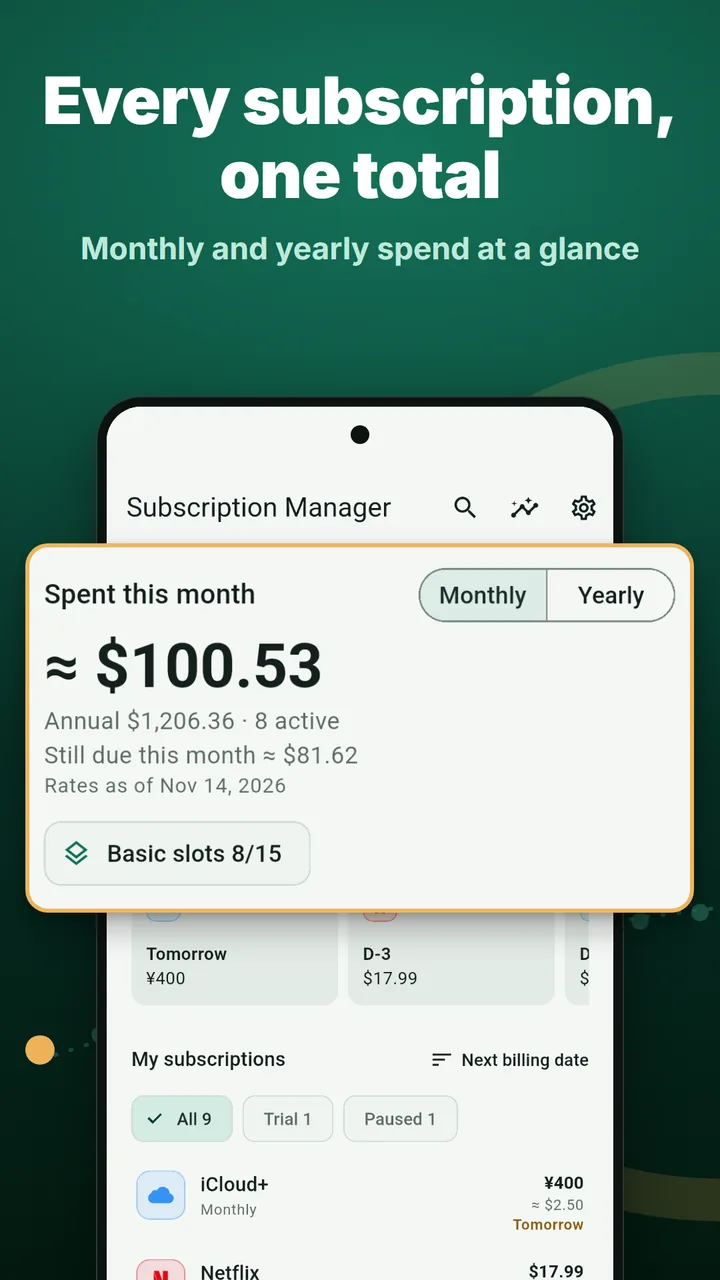
This month's subscription spend, the yearly total and upcoming payments on the Home screen. Tap the total to open insights.
Android · Free · No sign-up
See this month's subscription spend and your next payment dates on the first screen, and get a reminder before each charge. Cancel the ones you don't use with step-by-step guides.
Basic plan is free (up to 15, with ads) · Pro removes the limit and the ads
Subscription Manager is an Android subscription tracker that helps you keep Netflix, YouTube Premium, ChatGPT and other recurring payments in one place and reminds you before each renewal. It has a payment calendar, reminders, spending insights and currency conversion, with no sign-up. Step-by-step cancel guides cover 130+ services in South Korea and 30 popular services in the United States. Your subscriptions stay on your phone, and the app never connects to your bank or card.
Each subscription looks small on its own. Added up, it's hard to see the real total.
Forget the trial end date and you pay for something you don't use. A trial-end reminder lets you decide in time.
Monthly, yearly and weekly plans are hard to add up. The app turns them all into a monthly amount and shows this month's total and the yearly figure.
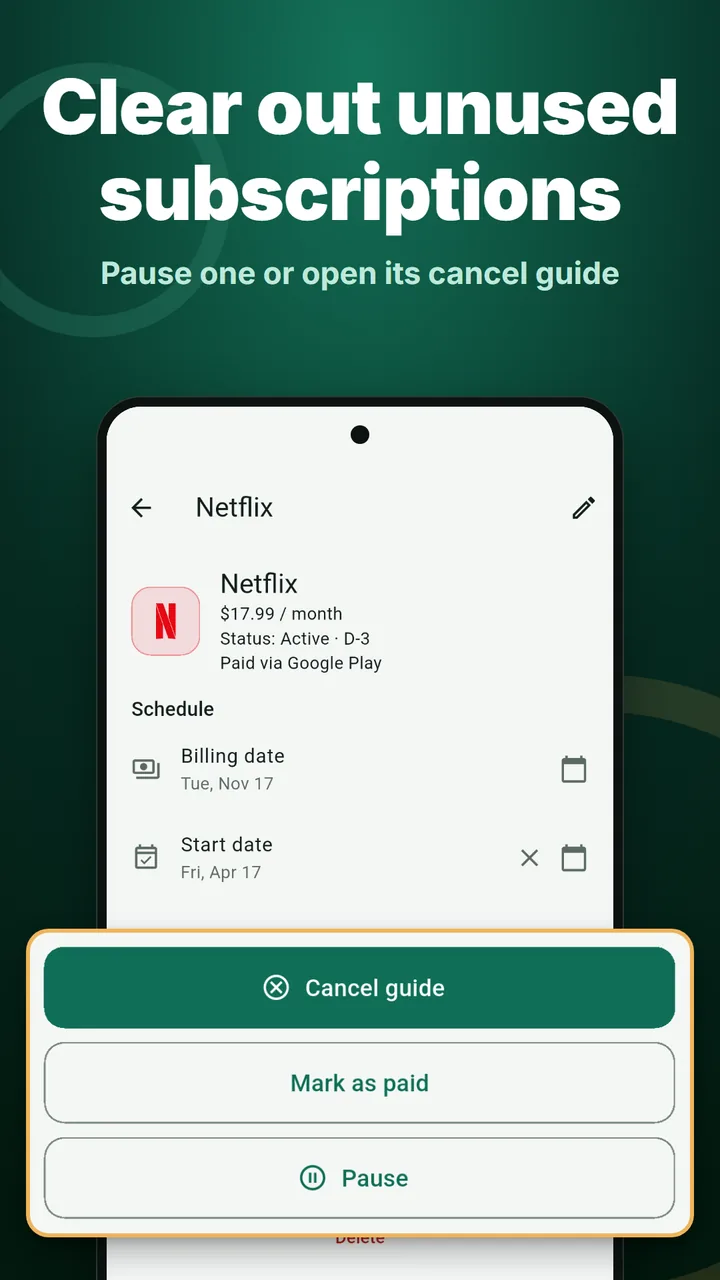
Where you cancel depends on how you pay: Google Play, App Store or the web. Cancel guides show the steps for each route.
Enter each price and how often you pay. The calculator works out the monthly and yearly totals the same way the app does. Tick the ones you plan to cancel to see what you'd save in a year. Amounts are in US dollars (USD).
Per month
$0.00
Per year $0.00
Cancel the ticked ones and save $0.00 a year
How it works: weekly price × 4.345 and yearly price ÷ 12 give a monthly amount; these are added up, and per year = monthly total × 12.
Save this result and get payment reminders (free app)For reference only. Your actual charges and dates are what each service and your card issuer bill, and this has no legal effect. Results are rounded to the cent.
This month's subscription spend, the yearly total and upcoming payments on the Home screen. Tap the total to open insights.
Pick a service and enter the price and date. Add anything else by hand.
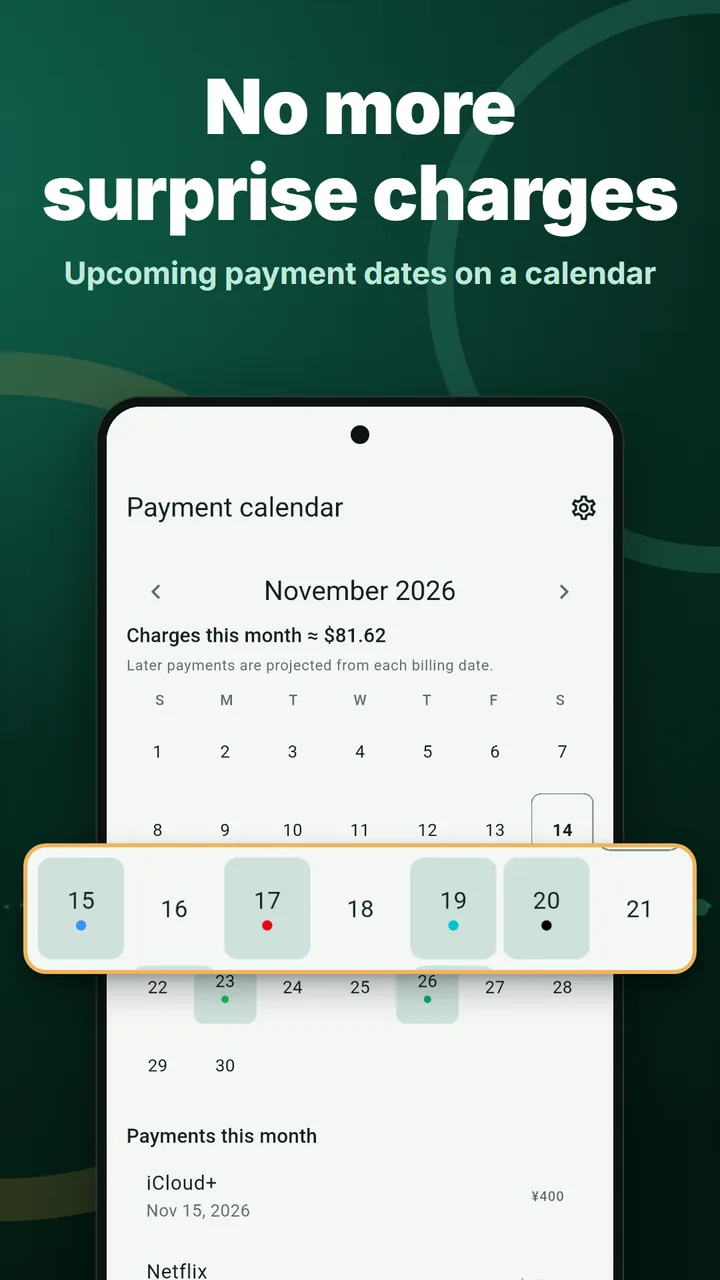
See which days money goes out this week and this month. Swipe to change months.
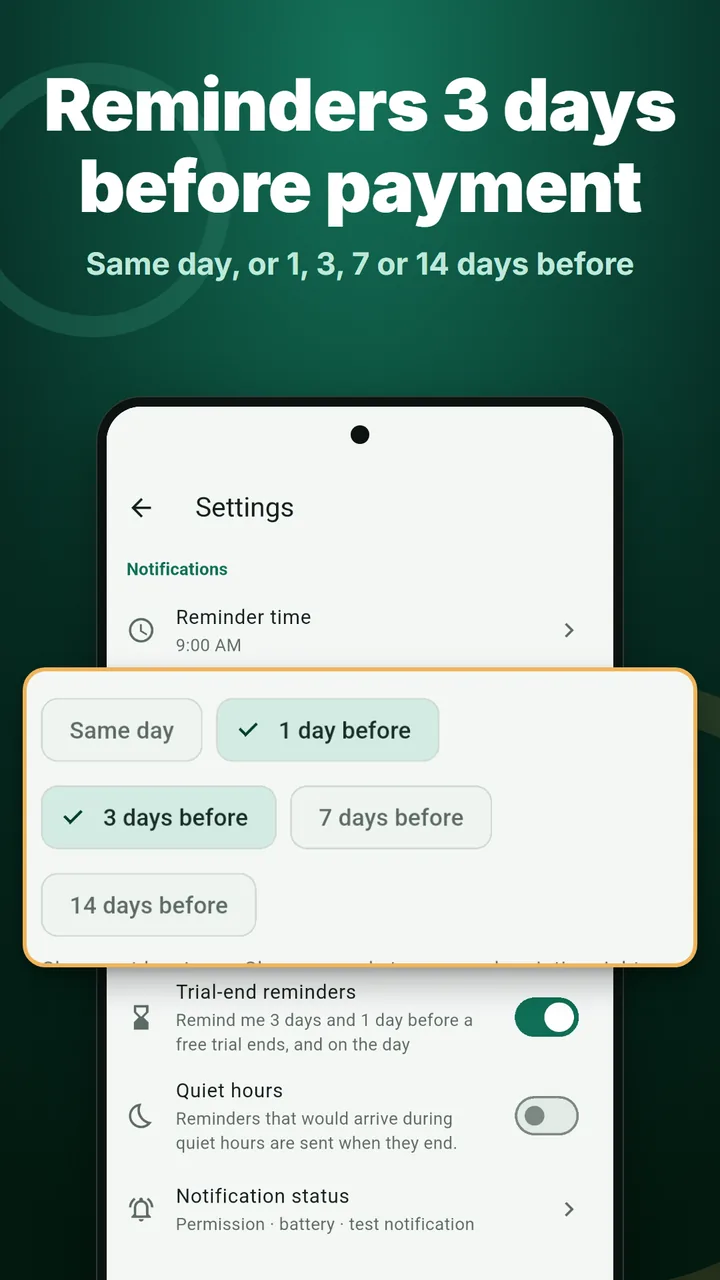
On the day, or 1, 3, 7 or 14 days before; pick several. Trial-end reminders, reminder time and quiet hours too.
Turn it on to get the number of payments and the total for the month on the 1st. Off by default.
Counts only the payment dates that passed after you cancelled or paused, so you see what you really saved.
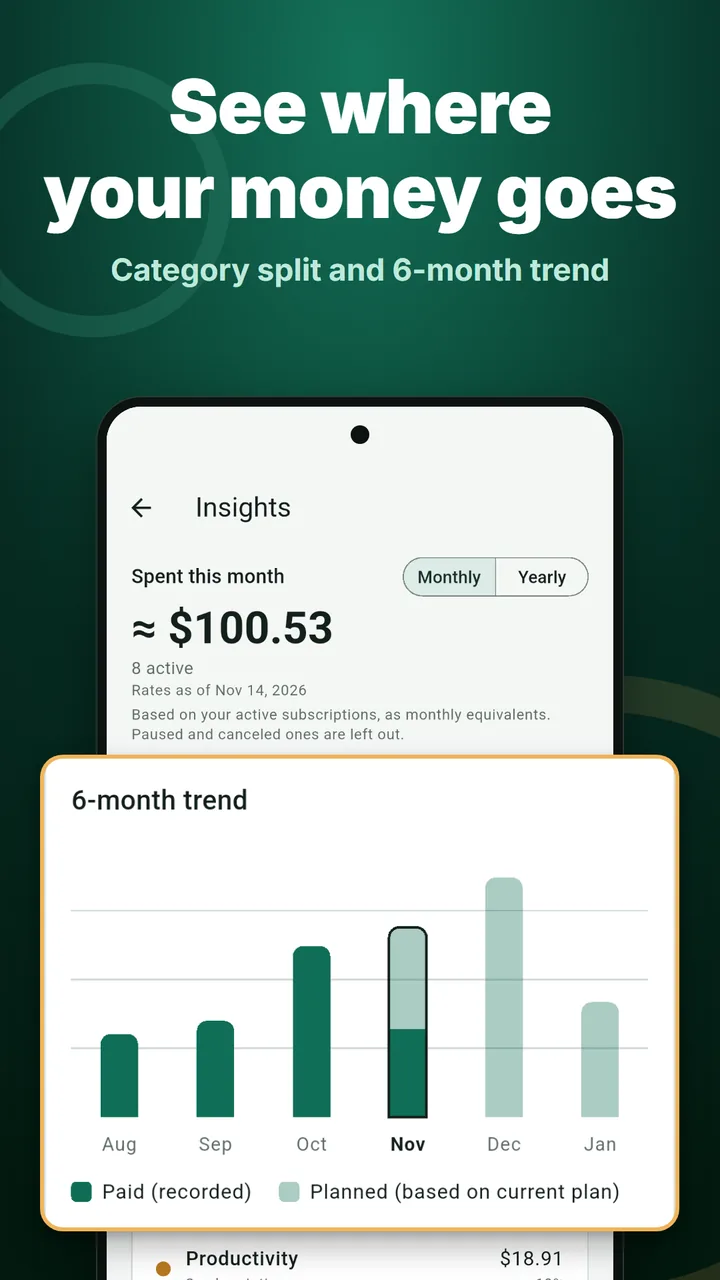
Category split, a 6-month trend and totals by payment method, monthly or yearly.
Step-by-step guides by payment route for 130+ services in South Korea and 30 popular services in the United States, with the date checked and the official link.
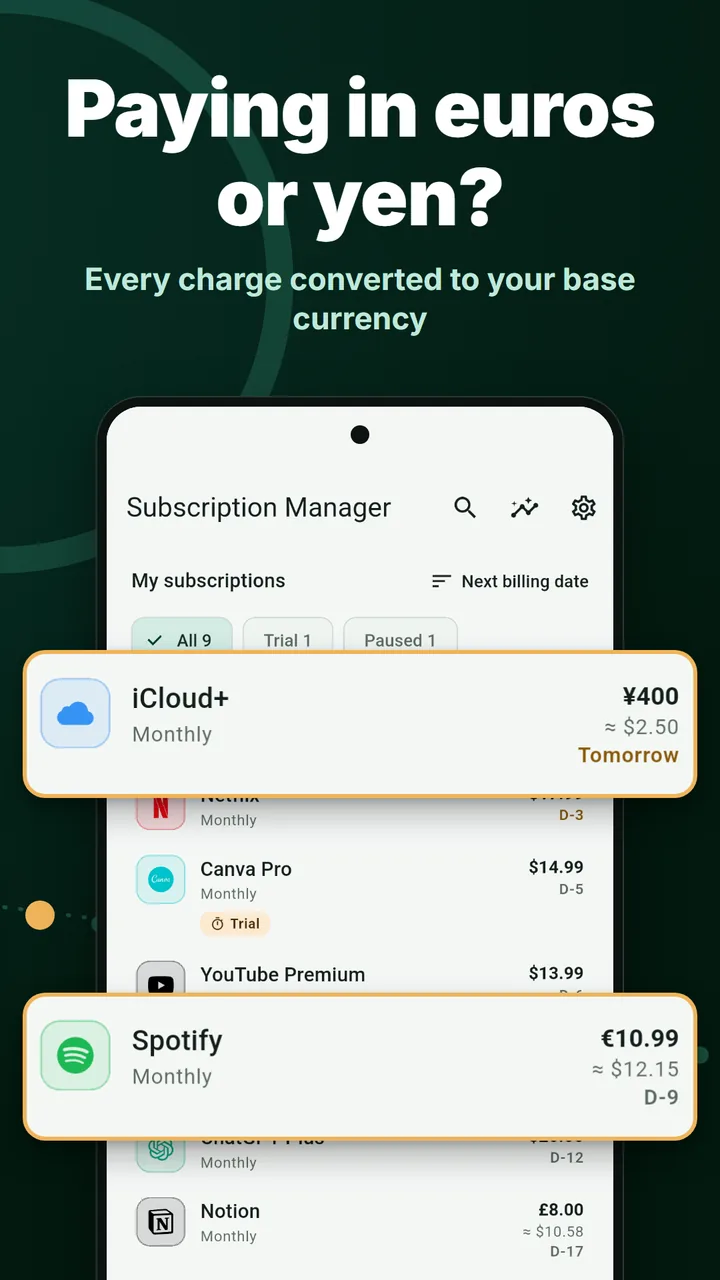
Subscriptions in dollars, euros or yen are converted to your base currency and added to the total.
Share your monthly spend or a cancellation as an image card. You can hide amounts and service names.
A next-payment widget, a 4×2 widget for this week's payments, and shortcuts when you long-press the app icon.
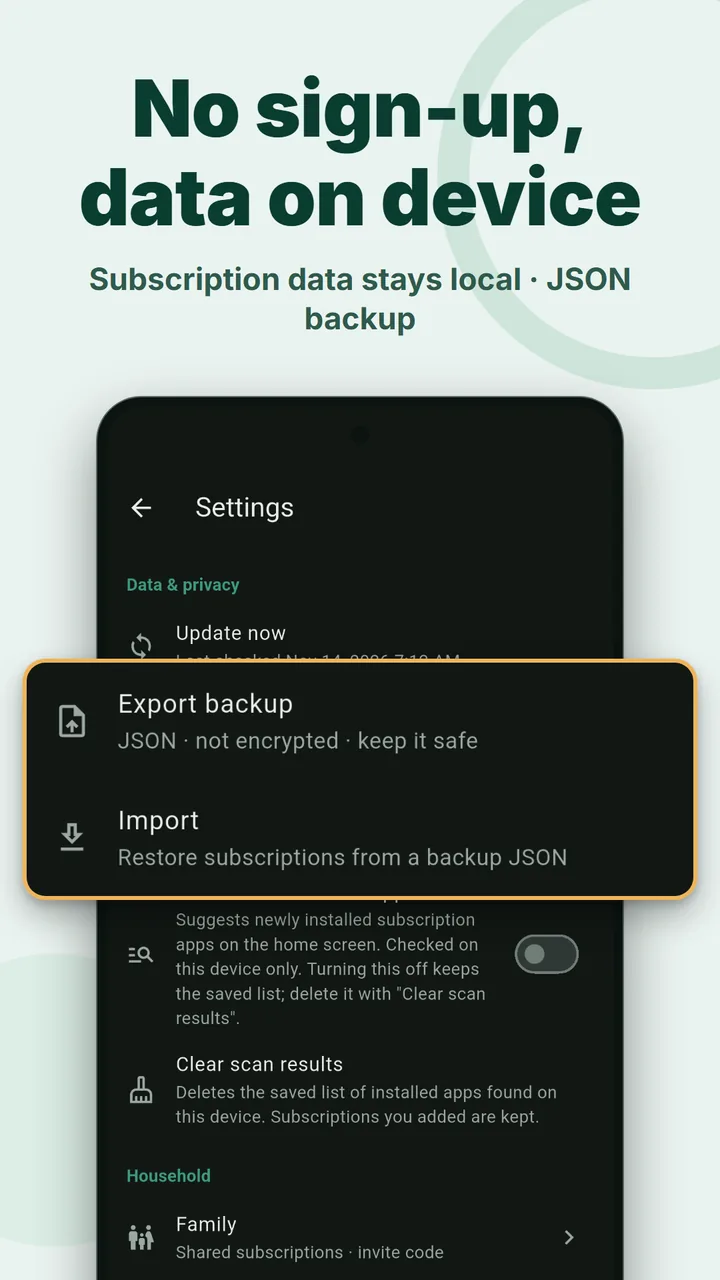
Export to a JSON file and import it back. 27 languages, light and dark theme.
Swipe to see more.
Read the details in our Privacy Policy.
Try every feature on the Basic plan first.
Free
Prices may vary by country and are shown in your local currency on Google Play. Pro is currently sold in the United States and South Korea. See section 13 of the Terms for withdrawal and refunds.
No. Install it and start right away.
No. There is no bank or card linking and no automatic import. You add subscriptions yourself; picking from the list of 200 services fills in the name and category.
The Basic plan holds up to 15 (paused ones don't count) and shows a banner ad. Pro removes the limit and the ads for $9.99 once (lifetime), $4.99 a year or $0.99 a month through Google Play. Monthly and yearly plans renew automatically until you cancel them in Google Play.
Yes. They are local notifications on your phone and may arrive a few minutes late.
Only on your phone. It is never sent to our servers. Depending on your device settings it may be included in your Google account backup, and you can export a JSON backup yourself from Settings.
No. You cancel in each service yourself. The app shows the steps for each payment route (Google Play, App Store, web), with the date the steps were checked and a link to the official help page.
Not yet. The app is available for Android on Google Play only.
Add the three subscriptions you use most. Your next payment date and this month's total show up right away.
Get it free on Google Play